TV customization & privacy
Can Claude Code “hack” your TV? A platform-by-platform answer
Claude Code can help an owner inspect and customize some TVs, but it is a coding assistant on the computer, not an unlock for every television. The TV operating system decides which tools are available. Android TV and Google TV can expose ADB; Fire OS has its own ADB workflows. Retail Samsung Tizen, LG webOS and Roku TVs do not offer the same Android package controls.
Published by TV Remotely · Source checked 2026-10-26. Model and firmware behavior can differ; device tests are named only where performed.
What “hack your TV” means here
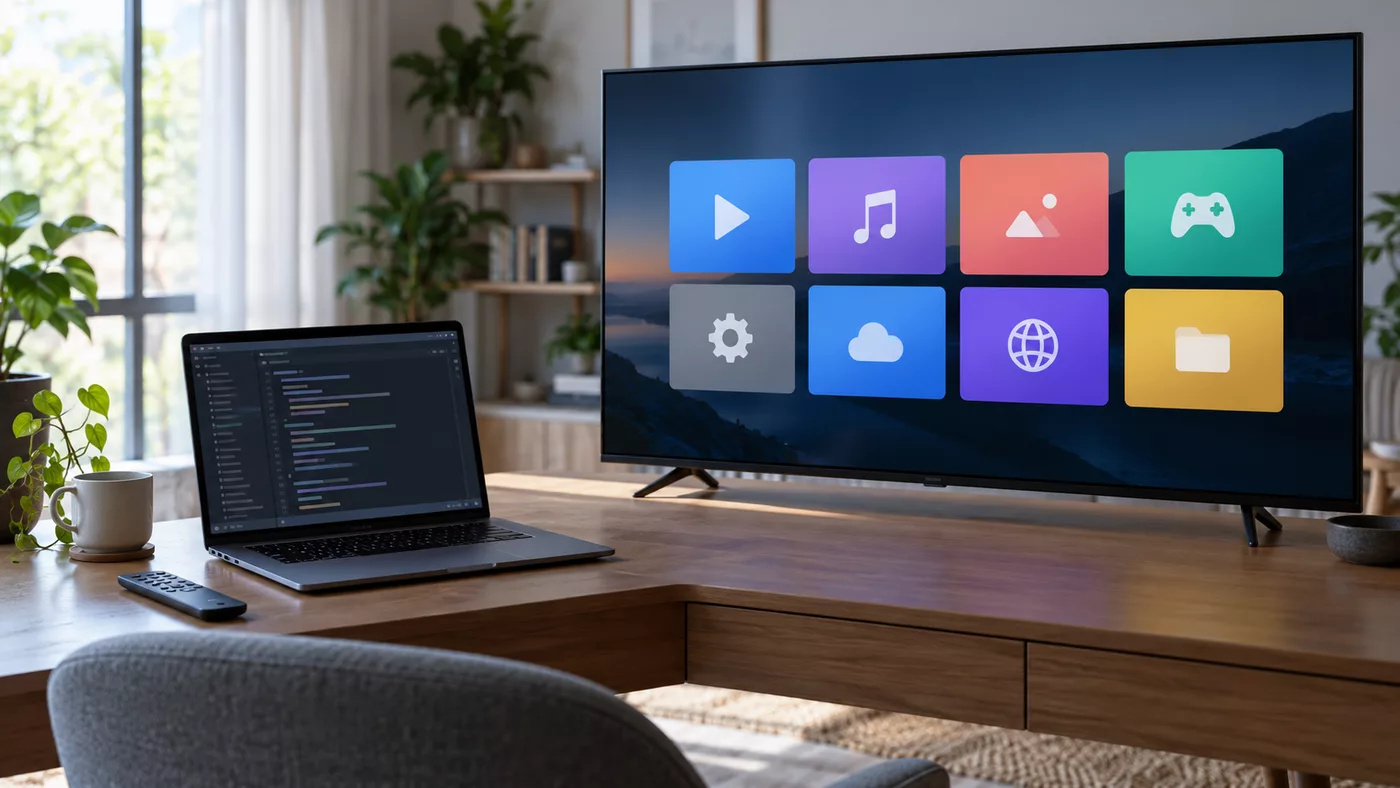
The viral examples use developer tools to change the home screen or disable selected preinstalled apps on a TV the owner controls. This is reversible customization, not remote access to someone else’s TV. A prompt alone cannot grant permissions the TV firmware does not provide.
Start by finding the exact model and operating system in the TV’s About screen. A brand name alone is insufficient: TCL and Hisense sell sets with different operating systems.

Choose the path that matches the OS
On Android or Google TV, first try built-in controls such as Apps-only mode. For deeper changes, ADB requires developer settings, local-network access and approval on the TV. Record the original package states before changing anything. On Fire OS, use Fire-specific instructions; its launcher and protected packages differ from Google TV.
On Tizen, webOS and Roku, use the settings the manufacturer exposes. Do not paste Android ADB commands into instructions for these systems.
What to preserve and how to recover
Casting, live inputs, remote pairing, voice control and updates may depend on packages that look unimportant in a list. Keep a working physical remote and a restore record. If a change breaks a feature, undo that one change before making another.
Project device reports are useful leads, but another model’s package list is not proof that it is safe on your TV.
Continue with the relevant guide
Sources and verification
- Clean Your TV project README — checked 2026-10-26
- dumbtv platform notes — checked 2026-10-26
- Google TV Help: how Google TV and Android TV work — checked 2026-10-26