Troubleshooting
Phone remote works until the TV turns off: standby checks
When the TV is on, the remote works. When the TV goes to standby, the app loses it. That is usually not a pairing fault. Many TVs close their network listener in standby unless a specific setting is on, and some can only be woken over Ethernet. You need to know which kind of “off” you are testing.
By TV Remotely · Updated · Sources and testing policy
Three kinds of off
- Standby (red light, instant on): the TV can be woken by the remote and, if enabled, by the network.
- Deep power-saving or ECO mode: the network chip is off, so the phone can’t wake it.
- No power: switched off at the wall, a power strip or a timer. Nothing remote can wake it.
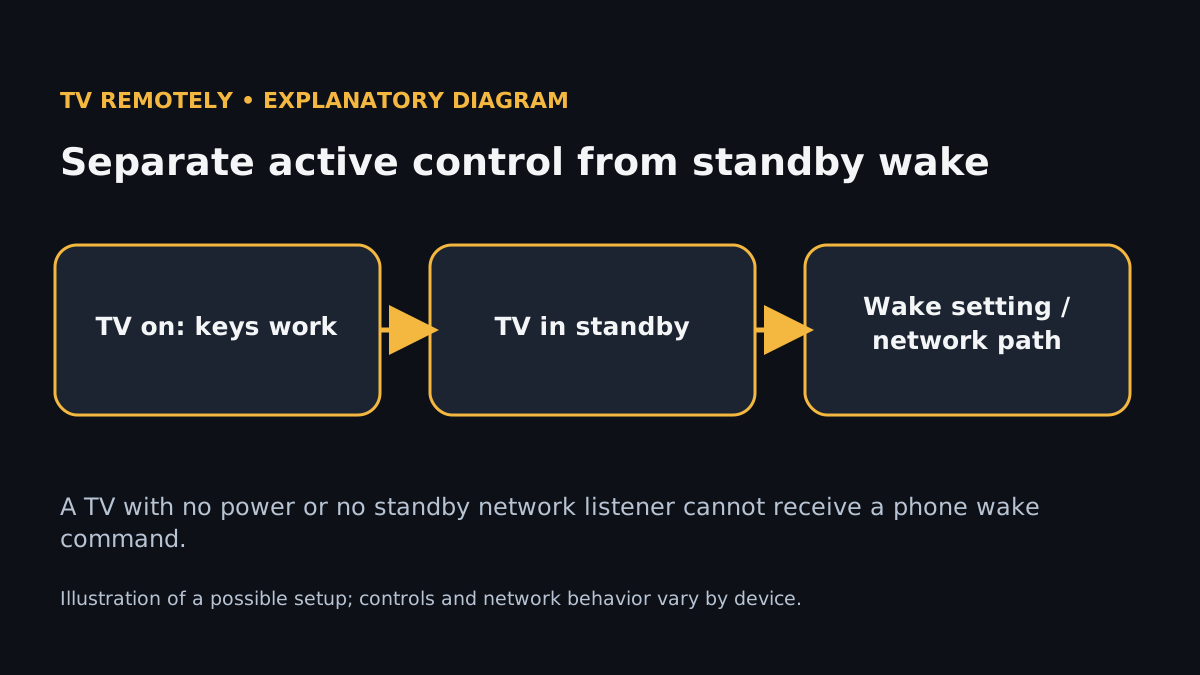
Where the wake setting lives
- Samsung: Settings → General → Network → Expert Settings → Power On with Mobile (the name changes by model year; also check Settings → General → Eco Solution).
- LG: TV On With Mobile (webOS 6 puts it with the external-device or mobile connection settings); also turn off any setting that cuts power in standby.
- Sony BRAVIA: Remote Start / Network standby; Sony notes higher standby power use.
- Roku TV: Settings → System → Power → Fast TV start. It must be on for the Roku app to wake the TV.
- Android TV and Google TV: streamers (Chromecast, Google TV Streamer, Shield) normally stay reachable in standby; TVs with Google TV built-in vary by manufacturer.
Most wake-from-phone features send a Wake-on-LAN “magic packet” to the TV’s MAC address. The app must have learned that address while the TV was on, so connect to the TV once while it’s awake, then test waking.
A test that tells you something
While the TV is on, confirm navigation works.
The pairing and network are fine.
If navigation fails here, it isn’t a standby problem. Start with connection troubleshooting.
Turn the TV off with its remote and immediately try Power on the phone.
You learn whether short standby works.
If this fails, check the model’s wake setting from the list above.
Leave the TV off for an hour (or overnight) and try again.
This is the real-world result.
If it works at first and fails later, the TV is entering a deeper power state; turn off ECO or quick-start options that conflict.
If you switch the TV off at a smart plug or power strip, no setting helps. Leave it plugged into a live socket. Where Wi-Fi wake is unreliable, a TV on Ethernet usually wakes more consistently.
Related guidance
Sources for these instructions
- LG: set up ThinQ on an LG smart TV — checked 2026-11-02
- Sony: Google Home, Remote Start and networked standby on BRAVIA — checked 2026-11-02