TV setup
Will a TV remote app work on a phone hotspot?
A phone hotspot works as a network for a TV remote only if the TV and the phone running the remote end up on the same local network, and are allowed to talk to each other. The most reliable arrangement uses two phones: one hosts the hotspot, the other is the remote. Using one phone as both host and remote often fails in a way that looks like an app bug.
By TV Remotely · Updated · Sources and testing policy
Two layouts, only one is dependable
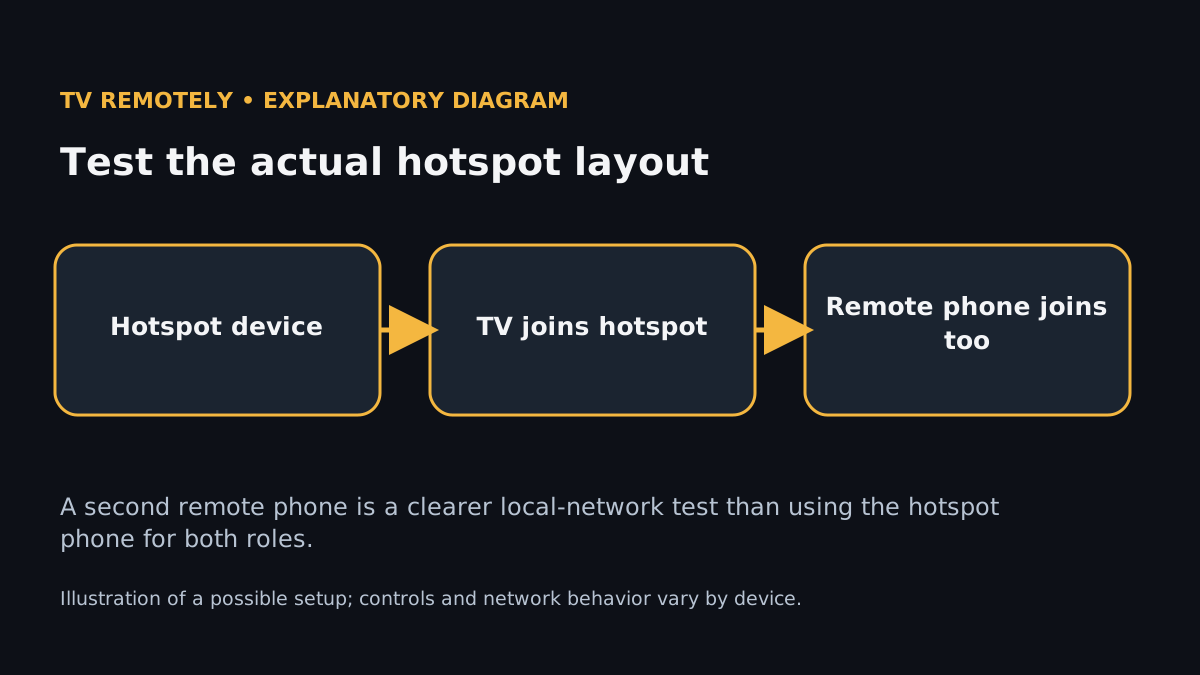
Layout A, recommended: a second phone, tablet or travel router creates the hotspot. Join both the TV and your remote phone to it.
Both appear as clients of the same hotspot, so the remote app can find the TV.
If the app finds nothing, the hotspot may be isolating clients, or the TV may be on 5 GHz and unable to join. Switch the hotspot to 2.4 GHz.
Layout B: your remote phone also hosts the hotspot. Join the TV to it, then open the remote app on the same phone.
Sometimes works, sometimes the app can’t see hotspot clients at all.
If it fails, don’t keep retrying: switch to Layout A. Phones route traffic to their own hotspot clients differently from ordinary Wi-Fi.
Things specific to hotspots
- iPhone Personal Hotspot hands out addresses in 172.20.10.x and Apple documents support for only a handful of connected devices (five), so a hotspot shared with laptops can crowd out the TV.
- Turn on Maximize Compatibility on iPhone, or set the AP band to 2.4 GHz on Android, so that older TVs and sticks can see the network.
- Android hotspots often turn themselves off after a few idle minutes if no device is connected. Disable “Turn off hotspot automatically” if you see the TV vanish.
- Data use: a remote control sends almost nothing, but if the TV itself is on your hotspot and you open a streaming app, it will use your mobile data at video rates. Lower the streaming quality or watch downloaded content.
- The remote phone’s own mobile data is off while it is joined to another phone’s hotspot. Calls and messages still work; data apps use the hotspot.
Hotel or dorm Wi-Fi instead of a hotspot
A hotel network that asks you to accept terms in a browser (a captive portal) is the usual reason a TV won’t connect, because most TVs have no browser to sign in with. Many hotels also isolate guests from each other, so your phone can’t see your own TV even when both are online. A hotspot or a pocket travel router (the router connects to the hotel once, then gives your TV and phone a private network) avoids both problems.
Related guidance
Sources for these instructions
- Google TV: fix problems with the virtual remote — checked 2026-11-02
- Roku: what to do when you have lost your remote — checked 2026-11-02